Rethinking State with React Server Components
React Server Components (RSC) run components on the server and ship zero JavaScript for them. How to split server and client logic for a smaller bundle.
Open in
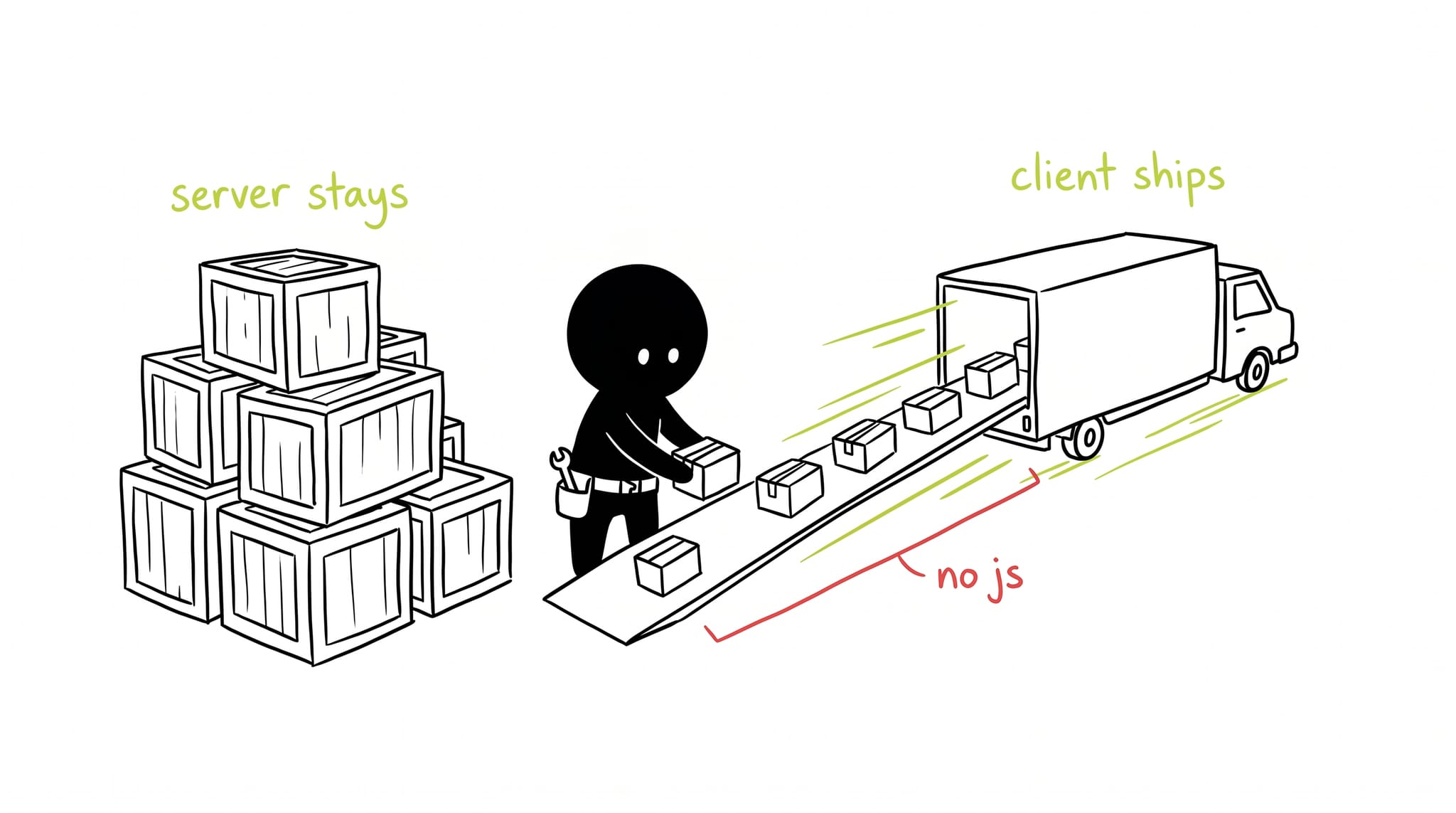
React Server Components (RSC) are the biggest architectural change in React since Hooks. They let individual components run on the server, fetch data without an API layer, and stream the result to the browser. No server code ships to the client.
The problem: the client-server waterfall
In a traditional React SPA (Single Page Application), we often see this pattern:
- Browser downloads dynamic JS bundle.
- App renders a “Skeleton” or “Loading” state.
useEffectruns to fetch User data.- User component renders.
- Inside User,
useEffectruns to fetch Posts. - Posts render.
This “waterfall” of network requests kills performance. We’ve tried to fix it with patterns like getServerSideProps in Next.js, but that forces us to fetch everything at the page level, making it hard to compose components dynamically.
The solution: components on the server
Server Components allow individual components to run on the server, fetch data directly (without an API layer in between), and stream the result to the client.
None of the server component’s code ships to the browser.
Import a massive library like moment.js or a markdown parser in a Server Component? Zero KBs added to your main bundle. The user only receives the rendered result.
The new mental model
We now split our world into two types of components:
1. Server Components (the default)
These are components that fetch data, access the database, or render static content. They cannot use useState, useEffect, or event listeners like onClick.
There is no “directive” for Server Components. In the RSC world, all components are Server Components by default unless you opt-out.
// app/page.tsx
import { Suspense } from "react";
import db from "./db";
import Loading from "./loading";

// Native async component!
export default async function BlogIndex() {
  // Fetch starts immediately
  const posts = await db.query("SELECT * FROM posts");

  return (
    <div>
      <h1>My Blog</h1>
      <Suspense fallback={<Loading />}>
        <PostList posts={posts} />
      </Suspense>
    </div>
  );
}
2. Client Components ("use client")
These are your traditional React components. They have state, effects, and interactivity. You opt-in to this mode by adding the "use client" directive at the top of the file.
// app/LikeButton.tsx
"use client";

import { useState } from "react";

export default function LikeButton() {
  const [likes, setLikes] = useState(0);

  return <button onClick={() => setLikes(likes + 1)}>Like ({likes})</button>;
}
3. Server Actions ("use server")
A common misconception is that "use server" marks a Server Component. It does not.
"use server" marks a function as a Server Action, a function that can be called from the client but executes on the server. This replaces the need for manual API routes for mutations.
// app/actions.ts
"use server";

export async function likePost(postId: string) {
  // This runs on the server
  await db.query("UPDATE posts SET likes = likes + 1 WHERE id = ?", [postId]);
}
You can then pass this function directly to a Client Component’s event handler.
Composition: the “hole” pattern
The most confusing part for many is how to combine them. You cannot import a Server Component into a Client Component. (Because the Client Component runs in the browser, and the Server Component code doesn’t exist there!).
However, you can pass a Server Component as children to a Client Component.
// app/page.tsx (Server Component)
import ClientWrapper from "./ClientWrapper";
import ServerContent from "./ServerContent";

export default function Page() {
  return (
    <ClientWrapper>
      {/* This works! React passes the rendered result (the "hole") to the wrapper */}
      <ServerContent />
    </ClientWrapper>
  );
}
This works because ClientWrapper doesn’t need to know what the children are, just where to put them.
Conclusion
React Server Components change how you structure data fetching, not only how you optimize it. Server components eliminate the client-server waterfall and cut the JavaScript you ship to users. The component model stays intact.