Getting Started with Filters in Nuxt 2
Filters are a great functionality to apply text formatting and transformation to a value in Vue/Nuxt
Open in
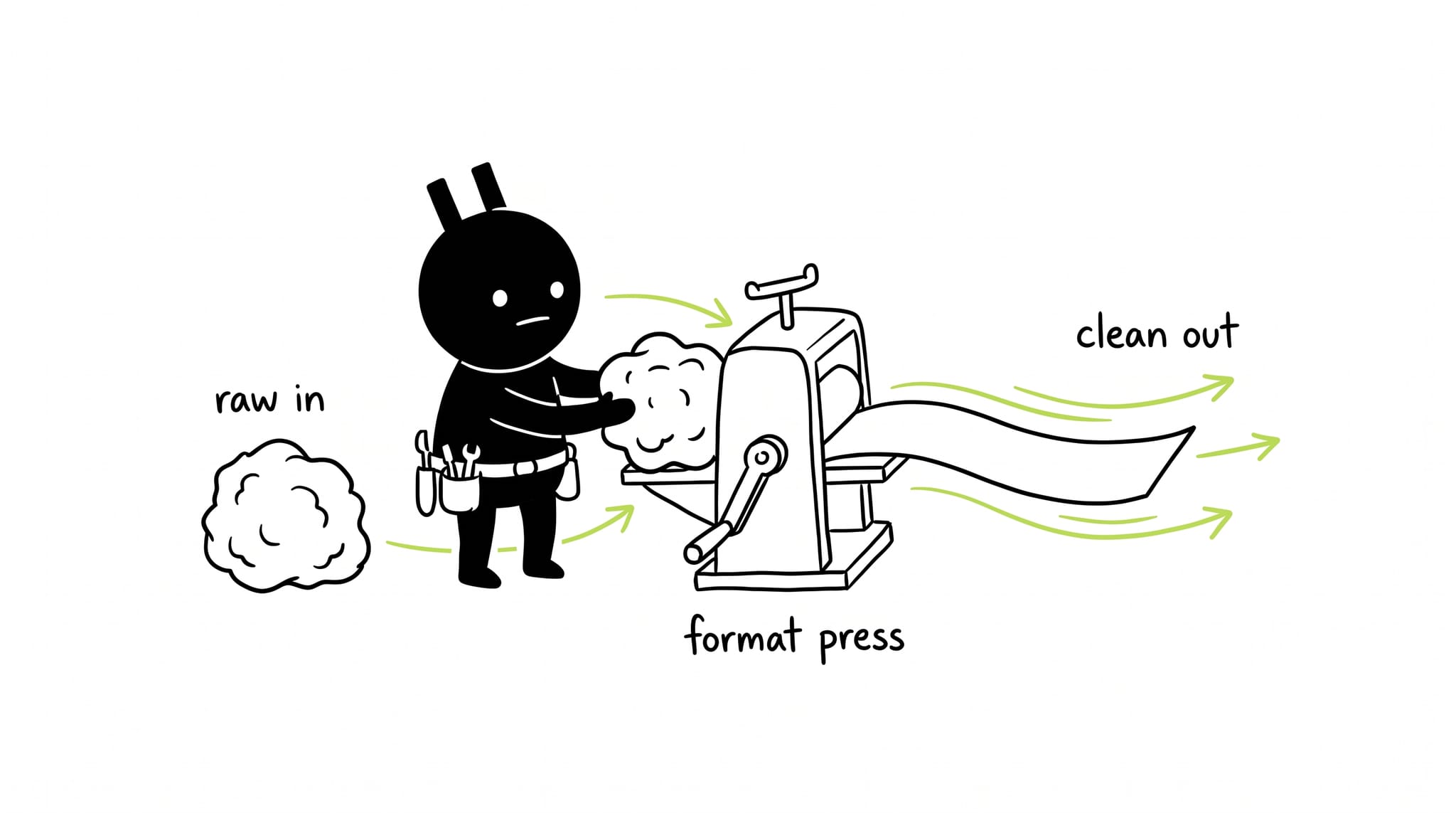
I needed currency symbols next to every price in a Nuxt app, driven by the selected currency. The fix was a global filter. Here is how to build one.
What are filters and how to use them
Filters in Vue format a value for display. A capitalize filter turns ‘elon’ into ‘Elon’. They work in mustache interpolations and v-bind expressions. I keep them in the mustache interpolations; it reads cleaner there.
Implementing our first filter
Currency formatting comes up in almost every frontend project. A currency filter that turns 100 into $100 is a good first one. Nuxt handles it the same way Vue does.
-
Create a new Nuxt project with create-nuxt-app (defaults are fine).
npx create-nuxt-app -
Now create a new file in the plugins folder and name it currency.js.
-
Next import Vue and define the filter.
import Vue from "vue";

export default () => {
  Vue.filter("currency", function (value) {
    if (!value) return "";
    return `$${value}`;
  });
};
Here the ‘currency’ is the name of our filter, value is the expression’s value and inside the function is the logic for it.
-
Register the filter in the plugins array in nuxt.config.js. That makes it global.
plugins: ["@/plugins/currency.js"]; -
Done. Use the filter name with a pipe inside mustache interpolations.
{
  {
    "100" | currency;
  }
} // will be rendered as $100

Conclusion
Same recipe works for any filter. Swap in a capitalize filter and it capitalizes first characters the same way.
The official docs cover the rest.
This is my first post. Feedback welcome on twitter.